Sonic Unleashed Recompiled

Sonic Unleashed Recompiled brings the Xbox 360 version of Sonic Unleashed (2008) to PC as a fully native application — no emulators, no workarounds. Through static recompilation, every stage, hub world, boss fight, and cutscene runs natively on modern hardware with unlocked frame rates, up to 4K resolution, ultrawide support, and a full PC settings menu. Built by Skyth and a team of dedicated fans, this is the definitive way to play the game that started the boost era.
Download Sonic Unleashed Recompiled Free| Feature | Details |
|---|---|
| Developer | Skyth, Sajid, Hyper, and team |
| Base Game | Sonic Unleashed (Xbox 360, 2008) |
| Engine | Static recompilation of the Hedgehog Engine |
| Platforms | Windows PC, Linux, Steam Deck |
| Genre | 3D Platformer / Action-Adventure |
| Version | 1.0.3 |
| Requirements | Xbox 360 game files (US/EU region), ~10 GB storage |
| Price | Free (requires original game files) |

Download Sonic Unleashed Recompiled
Version 1.0.3 includes the installer application. You will need your own Xbox 360 game files (US or EU region only — Japanese and PS3 files are not compatible). DLC files are optional but highly recommended: they improve lighting textures across the game and unlock additional stages.
How to Install Sonic Unleashed Recompiled
Windows
1. Extract the downloaded ZIP to any folder on your PC.
2. Run the installer and select your preferred language.
3. Click "Add Files" to import your game ISO, or "Add Folder" if you have extracted game files (.xex and .ar.00 files). A green checkmark confirms the files were detected.
4. Import the Title Update the same way.
5. Optionally add your DLC files (typically 6 files) for enhanced lighting and extra stages.
6. Choose your install location (10 GB minimum) and let the installation finish.
7. Launch the game and adjust settings from the options menu.
Linux / Steam Deck
A native Flatpak version is available for Linux that works out of the box. On Steam Deck, install via microSD or external storage to save internal space. The game file import process is identical to Windows. Performance is excellent — significantly smoother than the original Xbox 360 hardware.
A Milestone for Game Preservation
Sonic Unleashed launched in 2008 as the first 3D Sonic game built on the boost formula — the high-speed gameplay style that would define Sonic Generations, Sonic Forces, and beyond. It also debuted the Hedgehog Engine, delivering cinematic lighting and cutscenes that were genuinely impressive for the era and still hold up today. But seventh-gen hardware couldn't keep up: both Xbox 360 and PS3 struggled with severe frame rate drops during demanding sections, and SEGA never released a PC version or remaster despite years of fan demand.
The alternatives were limited. Xbox Series X/S backward compatibility added 60 FPS but kept the original low resolution. Xenia emulation required a powerful PC and came with shader stuttering, graphical glitches, and inconsistent performance. The Unleashed Project (a mod for Sonic Generations) only ported the daytime stages with noticeable inaccuracies. None of these delivered the complete, uncompromised experience.
Unleashed Recompiled solved all of that in one release. Using static recompilation — the same technique used to bring Nintendo 64 titles like Ocarina of Time and Mario 64 to PC — the entire Xbox 360 executable was translated into native PC code. The result is the full game running without any emulation overhead, with every limitation of the original hardware removed. The community response was massive: this project proved that Xbox 360 games can be recompiled for modern PCs, setting a precedent that extends far beyond Sonic.
PC Features and Enhancements
This goes well beyond "the same game running a bit better." Unleashed Recompiled includes a full suite of PC-grade features that make it feel like a proper modern release:
| Feature | Xbox 360 / Emulation | Recompiled |
|---|---|---|
| Frame rate | 30 FPS (unstable) | 60+ FPS, uncapped option |
| Resolution | 720p | 1080p, 2K, 4K, ultrawide |
| Shader stuttering | Common on emulators | Zero — all shaders pre-compiled |
| Input lag | Noticeable | Minimized via waitable swapchains |
| Load times | Long waits | Near-instant on SSD |
| Controller support | Xbox only | Xbox, PlayStation (DualSense LEDs + touchpad), third-party |
| Graphics settings | None | AA, shadows, motion blur, color correction, DoF |
| Mod support | Limited or none | Full support via Hedge Mod Manager |
The motion blur system has been reworked with an enhanced mode that looks significantly cleaner. Depth of field is corrected — cutscenes no longer suffer from the blurry look of the original. Anti-aliasing options include MSAA, A2C, and bicubic filtering. A color correction toggle lets you switch between the Xbox 360 and PS3 visual styles, which have noticeably different color temperatures.
The settings menu covers resolution, frame rate cap, motion blur style, shadow quality, ultrawide UI alignment, cutscene aspect ratio, and several quality-of-life toggles. You can disable the Werehog battle music while keeping sound effects, turn off tutorials, and even configure controller button icons to display Xbox or PlayStation prompts regardless of which pad you're using. Achievements have been fully recreated with in-game popup notifications and a dedicated trophy menu — no external service required.

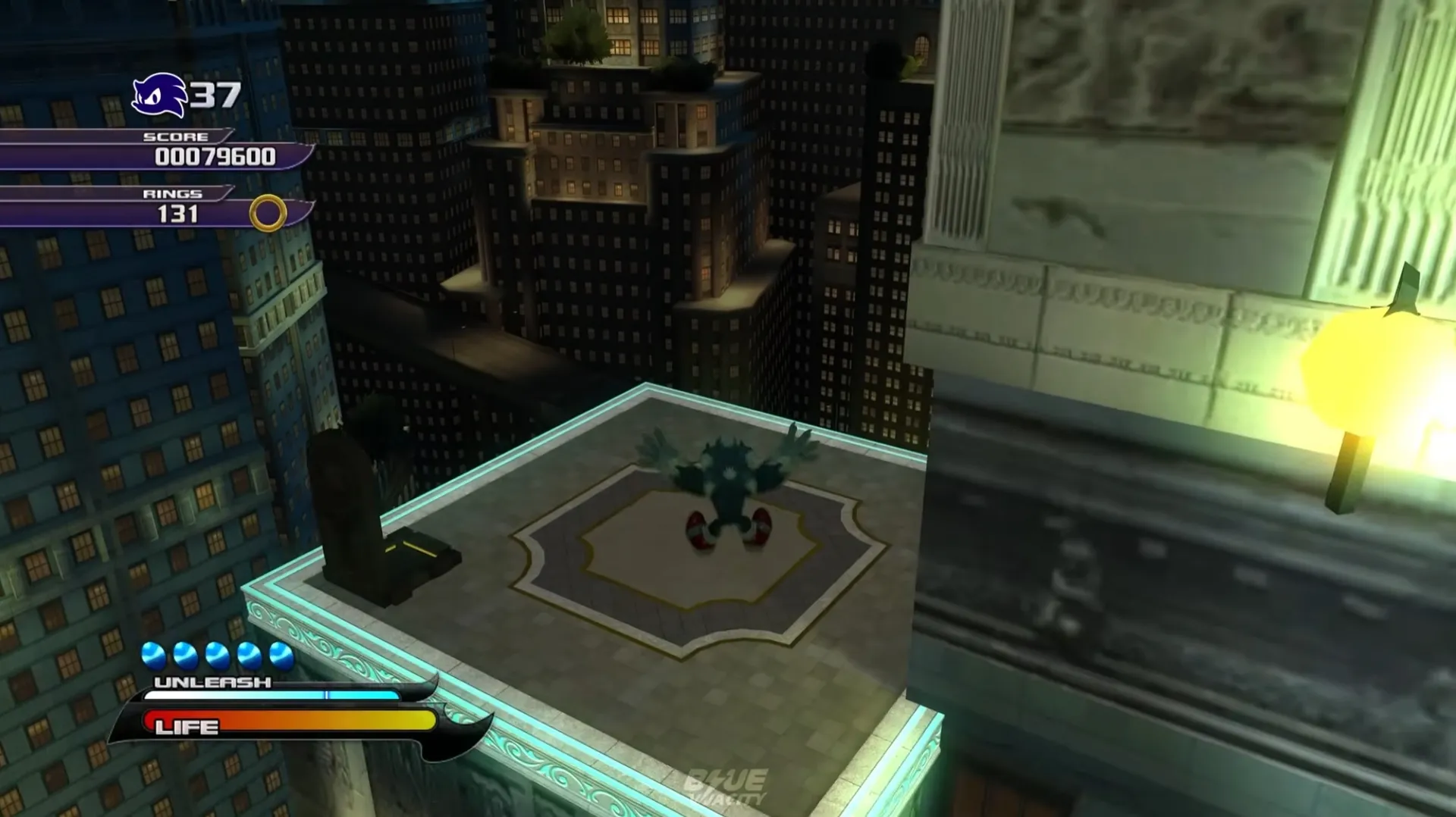

Daytime Boost and Nighttime Werehog
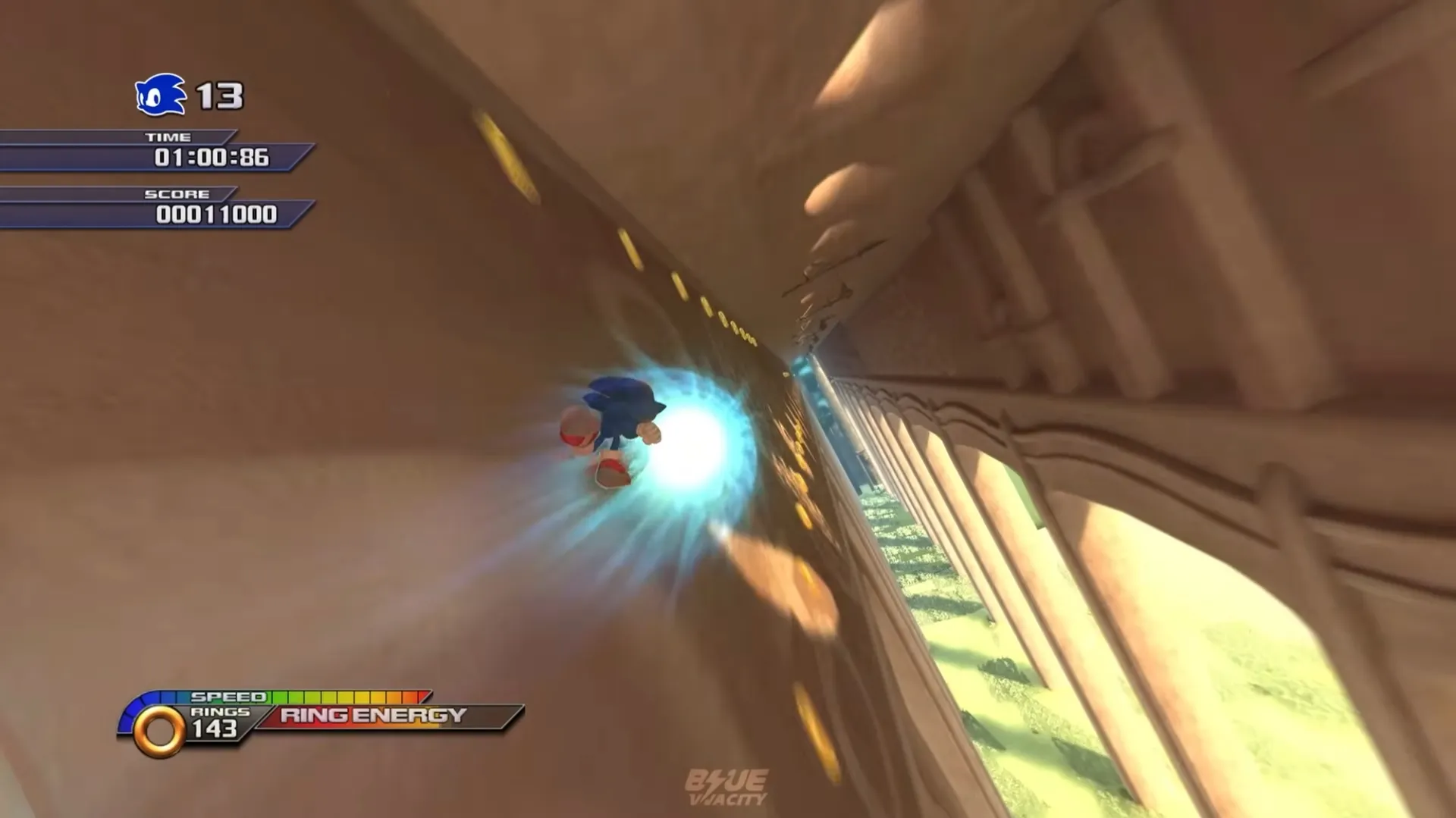
Sonic Unleashed splits its gameplay into two radically different styles. Daytime stages feature regular Sonic using the boost mechanic — blazing through hybrid 2D/3D sections at blistering speed, dodging obstacles in split-second windows, and discovering alternate routes that reward skilled play. This is where the boost formula that would define future Sonic games was born. The difficulty ramps up aggressively, culminating in Eggmanland, widely considered one of the hardest stages in the entire Sonic franchise.
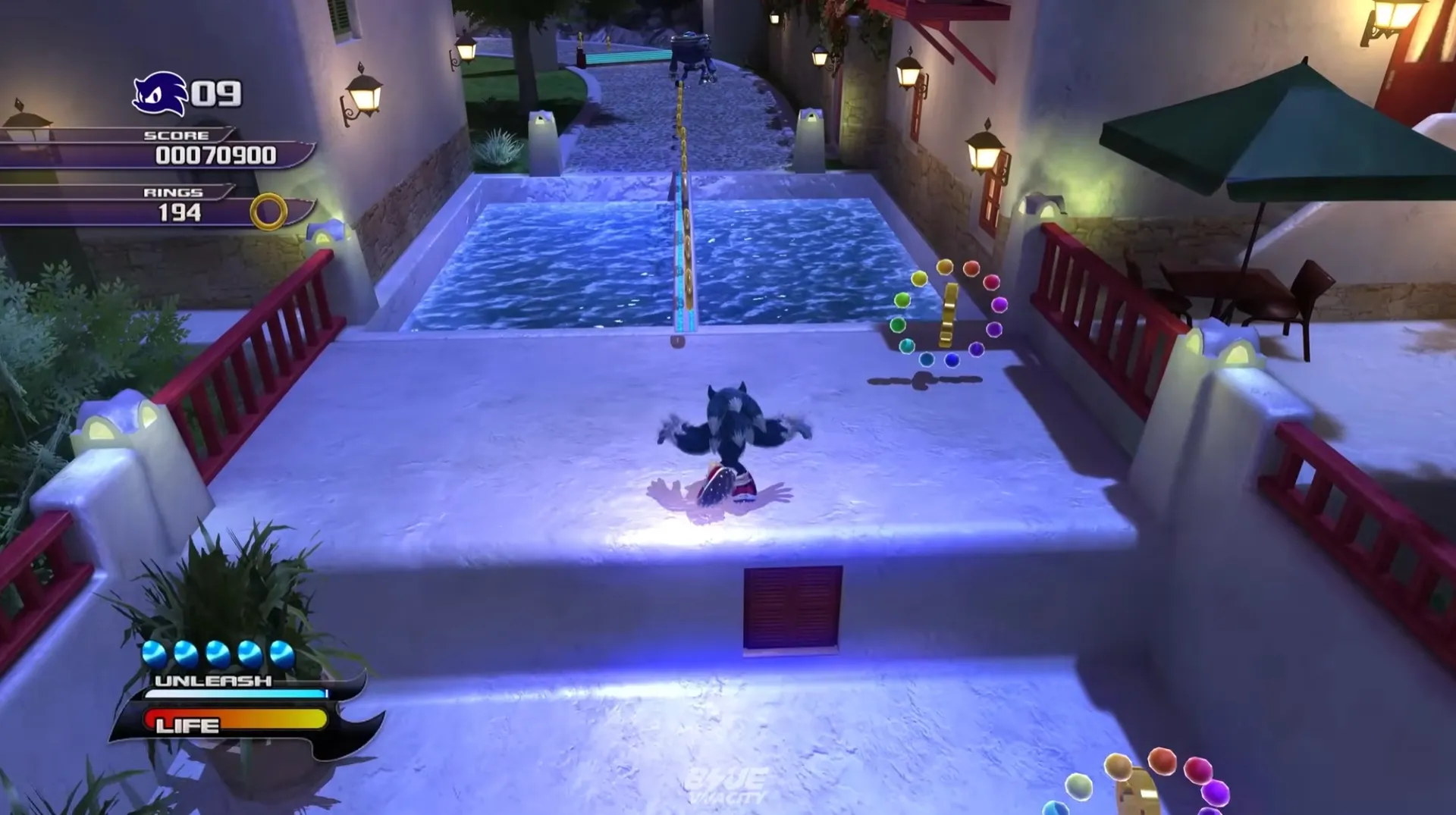
Nighttime stages transform Sonic into the Werehog, shifting the game into a beat-em-up platformer. The Werehog fights with stretchy elastic arms, unlockable combo attacks, and an RPG-style experience system. Key moves include Werewheel Rush for crowd control, Comet Punch for single-target damage, and the Donkey Kick for breaking enemy guards. The Werehog has always been polarizing among fans, but Unleashed Recompiled significantly improves the feel: stable 60 FPS transforms the combat from sluggish to genuinely responsive, making combos connect the way they were designed to.
A key detail many players miss: most Werehog combat encounters are optional. Unless purple gates block your path, you can run past enemies entirely. Skipping optional fights cuts most nighttime levels from 15-30 minutes down to 4-6 minutes.
Tips for First-Time Players
Daytime Sonic
Keep Sonic's speed at level 1
The game has light RPG elements where you earn XP from defeated enemies. Resist the urge to boost Sonic's speed stat — the stages are already fast enough, and higher speed makes precise sections nearly impossible. Put all your XP into the Werehog's combat skills instead.
Master the counter-steer drift
Drifting in Unleashed is counterintuitive and poorly explained in-game. For sharp turns: release boost, steer in the opposite direction first, then quickly cut back the way you need to go. Without this technique, you'll consistently fly off edges on stages like Savannah Citadel and Skyscraper Scamper.
Werehog Combat
Prioritize combat skill unlocks
Unlocking combo moves early makes the Werehog far more enjoyable. Focus on Strength level 6-7 (higher and enemies die before you can finish combos), Unleash meter level 5-6, and skip Life and Shield upgrades. You can spend XP mid-stage through the status menu.
Use shield canceling for faster combos
You can cancel the end-lag of combo animations by activating your shield, then immediately starting a new attack string. This makes the Werehog feel dramatically faster. Combined with the Were Clock Charge dash as a combo initiator, combat becomes a fluid chain of attacks instead of waiting for animations to finish.
Sun and Moon Medals Progression
Sonic Unleashed gates your progress behind Sun and Moon Medals scattered across stages and hub worlds. The requirements increase steadily — levels 1 through 5 each need 15 additional medals — but level 7 suddenly demands 40 extra medals, catching many players off guard right before the final daytime stages.
You can collect enough in a single playthrough without backtracking if you know where to look. Hub worlds hold 2 Sun and 2 Moon medals each. Boss battles hand out easy freebies. Nighttime stages are the richest source with 10 Sun and 6 Moon medals each — their slower pace makes thorough exploration natural. Don't skip the Act 2 night stages either: they're shorter and offer 4 Sun medals apiece. You can also trade souvenirs purchased from hub world shops to Professor Pickle for bonus medals.
Mod Support with Hedge Mod Manager
Because Unleashed Recompiled runs natively on the Hedgehog Engine, it's fully compatible with Hedge Mod Manager — the same modding tool used for Sonic Generations, Sonic Forces, and Sonic Frontiers. The entire existing modding ecosystem was available from launch day. Mods install cleanly without touching your base game files, so there's zero risk of corrupting your installation.
Sonic Unleashed Recompiled FAQ
Do I need to own Sonic Unleashed?
Yes. You must provide your own Xbox 360 game files from a US or EU copy. The installer contains no copyrighted game data. The project's GitHub page includes a guide for legally dumping files from your Xbox 360 console.
Does it work with PS3 or Japanese game files?
No. Only US and EU Xbox 360 files are supported. PS3 and Japanese region copies are not compatible with the recompilation.
Is the full game playable from start to finish?
Yes. Every stage, hub world, boss battle, cutscene, and DLC content is fully playable. Nothing was cut or left incomplete.
What controllers does it support?
Xbox, PlayStation, and third-party controllers all work with automatic button prompt switching. DualSense controllers get full LED color and touchpad support on the world map.
Are there any issues running above 60 FPS?
A handful of DLC stage elements behave incorrectly above 49 FPS — for example, a balloon in Rooftop Run Act 5 that can't be hit. You can change the FPS cap mid-level from the settings menu as a quick workaround. The base game runs perfectly at 60 FPS and above.
Does it run on Steam Deck?
Yes. A native Flatpak version is available and performance is excellent — far better than the original Xbox 360. Install to a microSD card to save internal storage space.
How do I install mods?
Use Hedge Mod Manager. It loads mods cleanly without modifying base game files. Mods built for other Hedgehog Engine titles are compatible.
Is this port legal?
The port itself is completely free and distributes no copyrighted material. You must supply your own legally obtained Xbox 360 game files to use it.