Sonic Velocity

Sonic Velocity is a 3D Boost fangame running on an engine built completely from scratch — no Unity, no Unreal, no borrowed frameworks. Debuted at SAGE 2024, this demo packs drifting, rail grinding, skydiving, a multi-phase boss fight with cutscenes, full voice acting and an original soundtrack into a package that feels distinct from any other Sonic fangame out there.
Download Sonic Velocity Free| Feature | Details |
|---|---|
| Developer | Anonagon (lead), SSB Assassin Gaming, TCoolDzn, Josh, Freeze, Diddy Konk |
| Engine | Custom-built from scratch (100% original) |
| Platform | Windows |
| Genre | 3D Boost Platformer |
| Version | SAGE 2024 Beta Demo 1.0.3 |
| Music | Mauricio Drotos (RICI), Nathan Armstrong, FabiXM |
| Voice Acting | Boostifer (Sonic), Charlie Everly (Tails), Justin Ali (Knuckles & Eggman) |
| Price | Free |
Download Sonic Velocity
The Beta Demo 1.0.3 includes a hub world, a test stage for practicing mechanics, the full Frostfall Act 1 level, and a boss fight against Eggman with in-engine cutscenes. Both keyboard and controller are supported, with haptic vibration on compatible gamepads.How to Install Sonic Velocity
Windows
Download the ZIP from the button above. Extract all files to any folder using WinRAR or 7-Zip. Run the Sonic Velocity executable inside the extracted folder. No installer needed — just extract and play.
Why Sonic Velocity Stands Out
Most 3D Sonic fangames rely on Unity or Unreal Engine, or build on top of existing Sonic frameworks with pre-made physics. Sonic Velocity takes a radically different approach: lead developer Anonagon coded every system from the ground up — physics, rendering, camera, input handling, all of it. The result is a game that controls and feels unlike anything else in the fangame scene.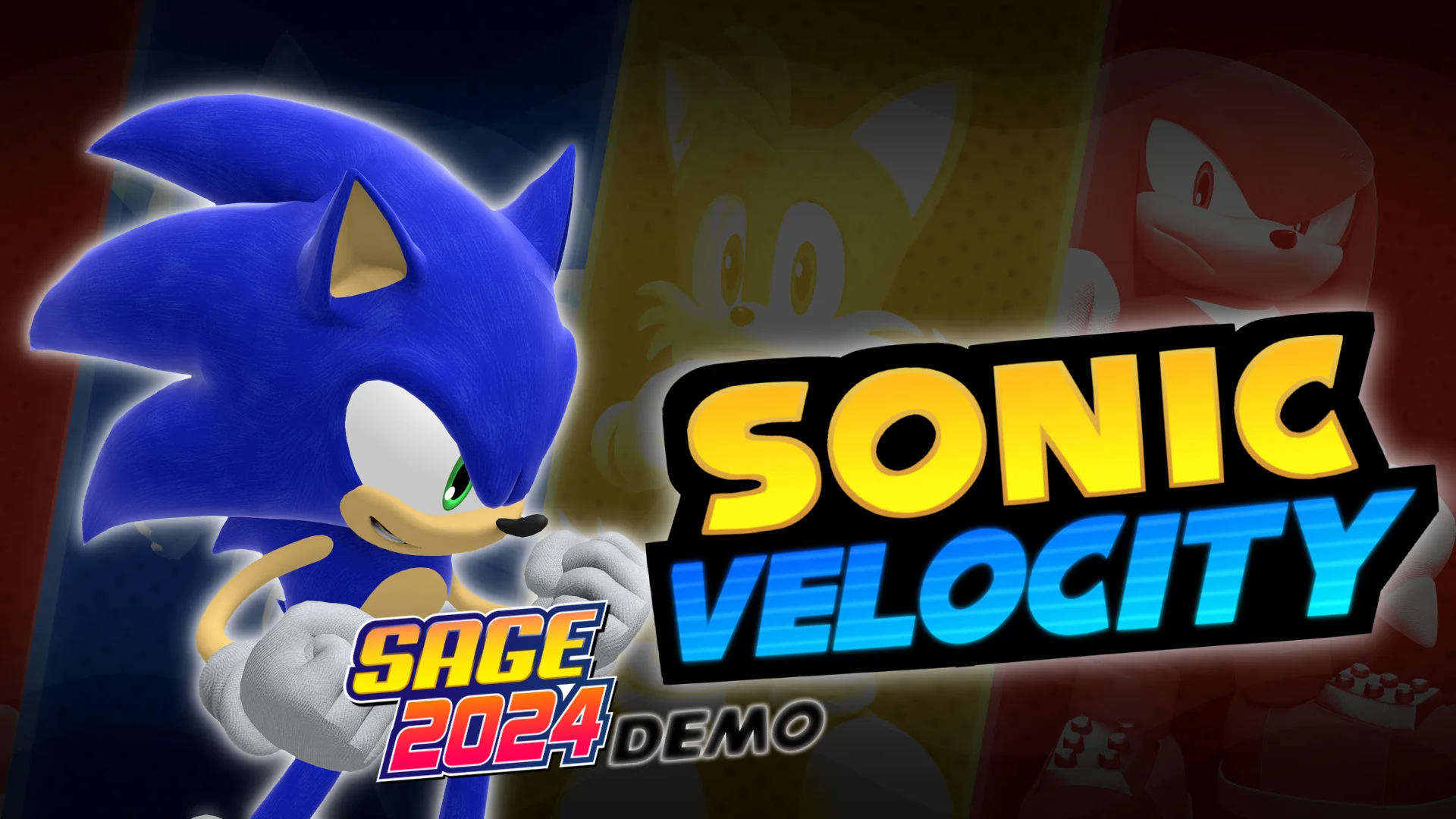
Full Modern Sonic Moveset
For a demo, Sonic Velocity delivers a remarkably complete set of abilities. Nearly every move from the modern Sonic toolkit is here and functional:Boost & Drift
Boost works on ground and in the air. Dedicated drift zones handle sharp corners, with the camera adjusting automatically in scripted sections to keep the action readable.
Rails & Quick Step
Grind rails with lane switching via shoulder buttons. Quick Step dodges obstacles at speed — still being refined when paired with boost, but solid on its own.
Skydive & Stomp
Free-fall skydiving sections add variety between standard stages. The stomp slams Sonic downward with a heavier feel than usual, and homing attack locks onto enemies mid-air.
Frostfall Act 1
The main stage is Frostfall Act 1, a full-length level that mixes 3D boost corridors with 2D platforming segments, scripted camera sequences, and environmental hazards like thick bushes that kill your speed. The level design avoids the "straight corridor" trap — there are enough turns, elevation changes and scripted moments to keep the pacing interesting throughout. What really makes this demo memorable, though, is the Eggman boss fight. It's a multi-phase encounter with a battery-style health meter that forces you to adapt as the attack patterns shift. Tails and Knuckles show up during in-engine cutscenes to help out, complete with voice acting and dialogue. The hit detection still needs some polish (Eggman can freeze up when you get too close), but the overall ambition and execution are far beyond what most fangame demos attempt.Production Values
Sonic Velocity goes well beyond gameplay mechanics. The demo features a fully original soundtrack composed by Mauricio Drotos (RICI), Nathan Armstrong and FabiXM — no borrowed tracks from official games. All four main characters have dedicated voice actors: Boostifer as Sonic, Charlie Everly as Tails, and Justin Ali pulling double duty as both Knuckles and Eggman. The graphics support configurable settings including adjustable texture resolution and bloom toggle, which helps on lower-end hardware. The hub world currently struggles with frame drops (likely related to terrain rendering), but the main stages and boss fight run noticeably smoother. A character-switching menu is visible but disabled, strongly hinting that Tails and Knuckles will become playable in future updates.Sonic Velocity FAQ
Is Sonic Velocity free?
Yes. Sonic Velocity is a free fan-made project. The SAGE 2024 Beta Demo costs nothing to download and play.
What engine does it use?
A 100% custom engine built from scratch by lead developer Anonagon. No Unity, Unreal or existing Sonic framework was used — every system is original.
Can I use a controller?
Yes. The game supports gamepads including PlayStation and Xbox controllers, with vibration feedback. Keyboard controls also work.
How many levels are in the demo?
The Beta Demo 1.0.3 has a hub world, a test stage for practicing moves, Frostfall Act 1 as the main level, and a boss fight against Eggman.
Can I play as Tails or Knuckles?
Not yet. Only Sonic is playable in this demo. A character-switching menu exists but is disabled, suggesting Tails and Knuckles will be added in future versions.
Is the game still being developed?
Yes. Sonic Velocity is in active development. The SAGE 2024 demo represents early progress, and the developer continues working on new content and improvements.